
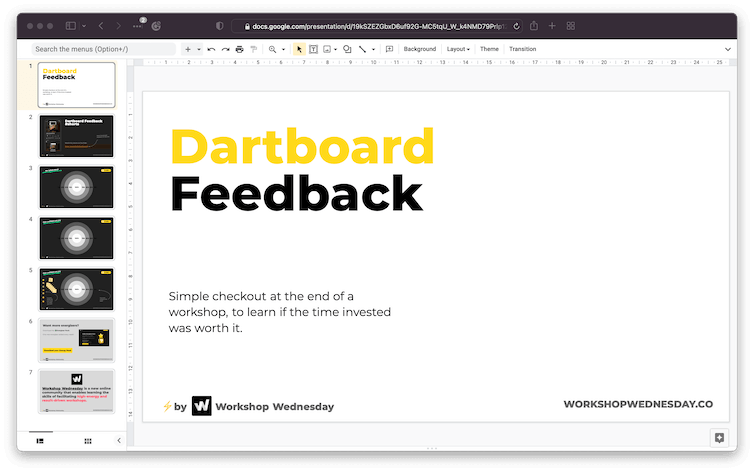
Dartboard Feedback
Get honest feedback at the end of any workshop and learn if the time invested was worth it.
Free forever · No spam · Unsubscribe anytime
About this template
What is this workshop?
Most workshop feedback forms are ignored or produce generic results. The Dartboard format makes feedback fast, visual, and honest — participants rate the session across four dimensions by placing a mark on a target, with the center representing 'perfect.' You get an instant visual read on what landed and what didn't, which makes it easy to improve your next session.
What's included
- 4-axis dartboard feedback tool
- Dimension definitions (Relevance, Facilitation, Energy, Action)
- Result capture guide
- Facilitator reflection prompt
This is for you if…
- Facilitators who want honest feedback without lengthy surveys
- Workshop leads who want to improve their sessions over time
- Anyone who ends sessions with 'how did that feel?' and gets vague answers
Download
How to access this template
- 1
Enter your email above — we'll send you the template link right away.
- 2
Open the link and go to File → Make a copy → Entire presentation.
- 3
Choose a destination folder in your Google Drive and click 'OK'.
- 4
Your copy is ready — rename it and start editing.
Any free Google account works. You can also export to PowerPoint via File → Download → Microsoft PowerPoint (.pptx).
File → Make a copy
Open the template link and use the Google Slides menu to save a copy to your own Google Drive.
Getting started
How to run this workshop
Make a copy of the Google Slides deck — go to File → Make a copy → Entire presentation.
Share the dartboard slide at the end of your workshop with 3–4 minutes remaining.
Each participant places a dot on each axis — Relevance, Facilitation, Energy, and Action.
Screenshot the completed dartboard before closing.
Review it after the session and identify the one axis that scored lowest — that's your focus for next time.
Tips for first-time facilitators
- 1
Share the dartboard while participants are still in the session — response rates drop sharply after people leave.
- 2
Make it anonymous. Names on the dartboard change the scores.
- 3
Focus on the lowest-scoring axis after each session, not your average score.
Questions
Frequently asked questions
More like this
More Team Productivity templates
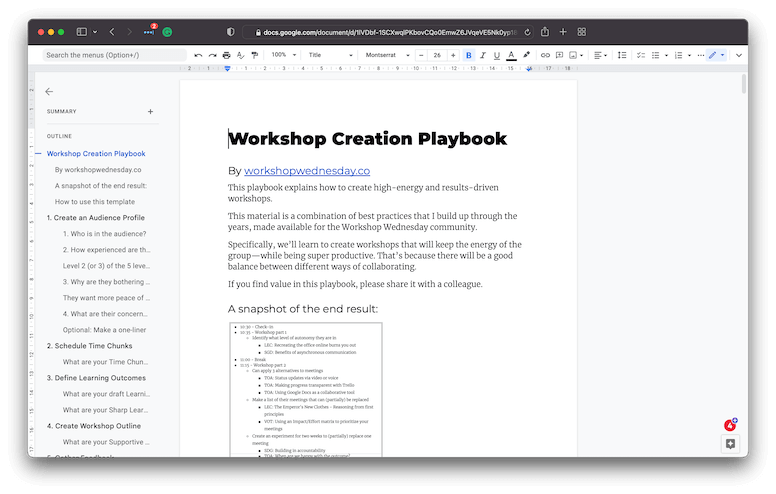
Workshop Creation Playbook
Create effective workshops with this 8-step framework. From blank page to polished session.
View template →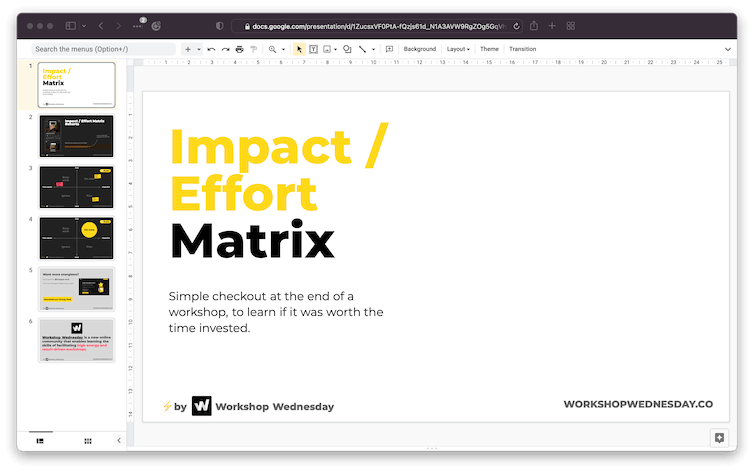
Impact / Effort Matrix
Quickly prioritize your team's best ideas in just 10 minutes. Focus on what matters most.
View template →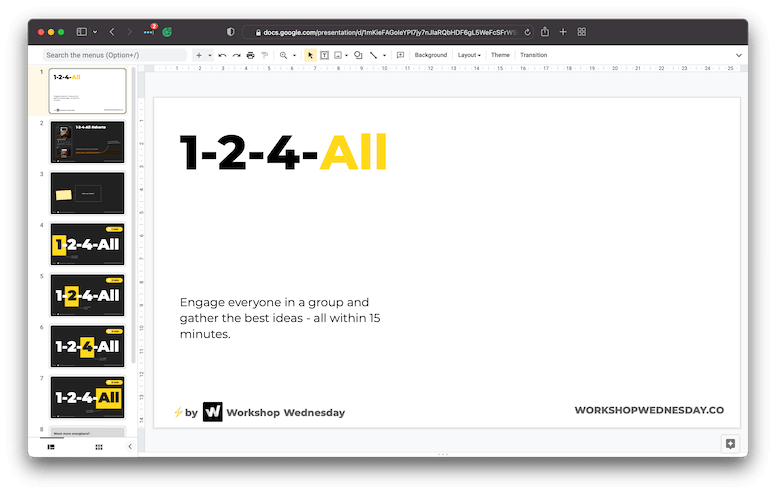
1-2-4-All (Online)
Get any group engaged about a topic and share their best ideas — all in just 15 minutes.
View template →Want more templates like this?
We publish new workshop templates every week. Subscribe and get each one sent to your inbox.
Next step · AI Sprint
Ready to automate what this template helps you do?
Once your team has the process down, the next step is automation. In five days we build a working AI tool your team uses from day six — no experiments, no consultants.